Agent ID makes AI agents first-class enterprise identities
Microsoft’s Agent ID preview turns AI agents into governed enterprise identities. Learn how identity-first controls, an Agent Store, and MCP shift the focus from orchestration to accountability, plus a 90 day plan to pilot safely.
 Talos
Talos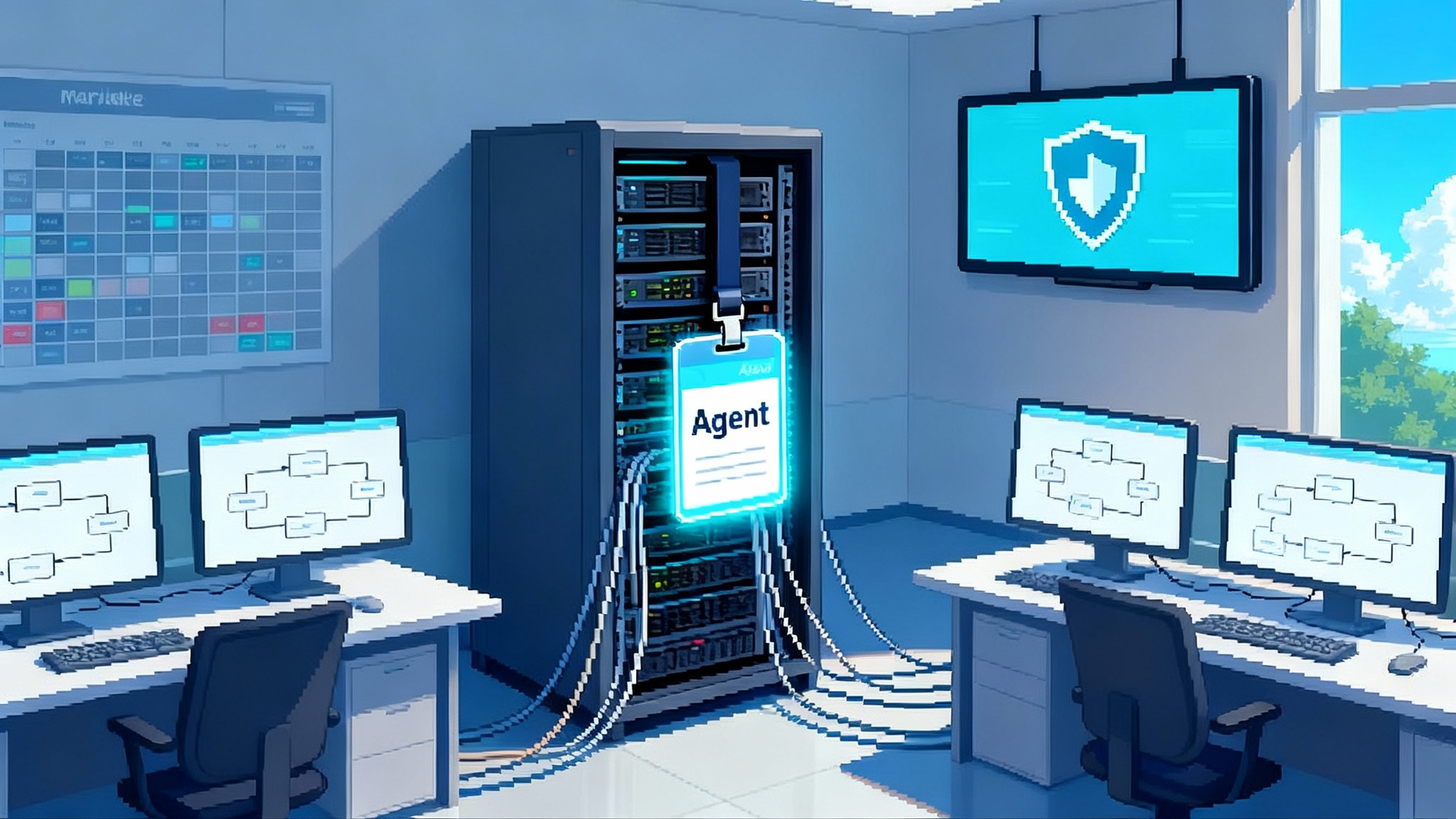
The breakthrough: agents finally get an identity
For years, enterprises treated AI agents like lab interns. Helpful, yes, but they borrowed someone else’s badge, logged actions under a shared account, and vanished when the pilot ended. That era is closing. In May 2025 Microsoft introduced Entra Agent ID in public preview, a way to give each agent its own identity object, policy set, and auditable trail inside Microsoft Entra. Think of it as issuing every agent a unique license plate, so security and compliance teams can track who did what, when, and with which permissions. Microsoft’s security leadership explicitly tied the move to Zero Trust. In their words, the control surface for agents is identity, not a bolt‑on network rule. See how the company positions the change in extends Zero Trust to agents.
Almost in parallel, Microsoft made two moves that change how agents are built and shipped. First, an Agent Store that lets organizations discover, install, and publish agents across Microsoft 365. Second, the Model Context Protocol, or MCP, reached a level of maturity that standardizes how agents talk to data and tools. In Copilot Studio’s May and Build releases, Microsoft highlighted MCP’s readiness and the ability to build, publish, and monetize agents in the store. The details are summarized in Copilot Studio May update on MCP and Agent Store.
The result is a new stack for autonomous and semi‑autonomous work. Orchestration still matters, but identity and governance supply the missing primitives that let agent programs scale without breaking compliance.
Why orchestration alone hits a wall
Multi‑agent orchestration is great at getting work done. It routes a task to the right agent, decomposes steps, coordinates handoffs, and supervises execution. But orchestration cannot answer the questions that security and compliance teams face every day:
- Who exactly performed a sensitive action
- What entitlements did that entity hold at the moment of action
- Where is the full audit trail tied to an immutable identity, not a transient session
- How do we rotate credentials, revoke access, or retire the workload cleanly
Without first‑class identities, teams fall back to shared secrets, overly broad Graph permissions, and logs that are hard to reconstruct. That might survive a small pilot. It fails in production, where auditors expect least privilege, approvers need change records, and incident responders must rebuild timelines in hours, not weeks.
What Agent ID actually is
Agent ID makes agents manageable the way users, devices, and workloads are manageable. When an agent is created in Copilot Studio or Azure AI Foundry, an identity is stamped into your Entra directory. Security administrators can now apply familiar controls and processes:
- Conditional Access and risk policies so agents operate only from approved environments or with step‑up checks for sensitive actions.
- Role‑based access and app consent that scope what the agent can call, from Microsoft Graph to line‑of‑business APIs.
- Information barriers and data loss prevention that travel with the agent’s identity.
- Logging and investigation in the same tools the enterprise already trusts.
In practical terms, an agent becomes a first‑class principal with an object identifier, service credentials, and a lifecycle that is governed alongside human accounts.
Why this is different from app registrations
Traditional app registrations and service principals already exist, but they were designed for software components, not dynamic autonomous workers. Agents initiate actions, collaborate with other agents, and adapt their strategies based on context. Agent ID gives these behaviors an identity container that supports policy, monitoring, and lifecycle in a uniform way that security teams can reason about.
Least privilege, at last
The hard part of agent security is not authentication. It is authorization. Agents tend to overreach because it is easier to grant broad application permissions than to specify what the agent truly needs. Agent ID makes a least‑privilege path feasible at scale.
A workable pattern looks like this:
-
Model the job, not the wish list. Enumerate the smallest set of operations the agent must perform. Examples include reading calendar availability, creating a draft ticket in the service desk, querying limited finance data, or updating a single SharePoint site.
-
Bind operations to scopes and roles. Assign resource‑specific consent and app roles that match the minimum action set. Prefer granular scopes when possible, such as site‑level permissions or app roles limited to a single environment.
-
Wrap elevation in a time box. Use just‑in‑time elevation for the rare burst of higher privilege, with business justification and automatic rollback.
-
Test with policy simulation. Run the agent through representative workflows in a lower environment and identify any missing scopes before production.
That sequence is tedious without identity primitives. With Agent ID it becomes repeatable and automatable.
Audit trails you can trust
If every agent has an identity, every activity can be tied back to it. The difference is not subtle. Instead of combing through logs for a free text bot string, you can pivot by object ID across Entra sign‑in logs, application logs, Microsoft 365 workloads, and data governance systems. Two things follow:
- Forensics is faster. During an incident you can answer what the agent accessed, which actions were allowed by Conditional Access, and when privileges changed.
- Compliance is clearer. Access reviews can finally include agents without guesswork. You can show a complete chain from approval to entitlement to activity.
Enterprises that struggled to square autonomous behavior with auditability now have a structure that matches existing processes.
Lifecycle management, not one‑off scripts
Agents built by a single team often die when a champion leaves. Agent ID encourages a formal lifecycle. Treat each agent like a product with owners, environments, and a retirement plan.
- Provisioning. Use infrastructure as code to define the agent’s identity, app registrations, scopes, and secrets. Bake naming, tagging, and ownership metadata into templates to keep the catalog honest.
- Rotation. Rotate secrets on a fixed cadence and after high‑risk changes. For managed identities, verify rotation policy and alerts. For stored credentials, centralize in a vault with least‑privilege access.
- Versioning. Line up identity objects with agent versions so you can correlate behavior with code changes and roll back safely.
- Decommissioning. When an agent retires, remove assignments, revoke tokens, archive logs, and tombstone the identity on a defined schedule.
Lifecycle discipline may feel like overhead. It is what lets dozens of agents coexist without surprise collisions.
Cross‑tenant distribution without losing control
Many agents operate across company boundaries, for example with a supplier, distributor, or managed service provider. Two elements make cross‑tenant distribution realistic:
- Agent Store as a distribution model. Admins can discover and install solutions once and govern centrally. That reduces friction for business teams that want to try agents in more than one department.
- Cross‑tenant access and B2B controls. You can set how external identities interact with your tenant. When the external identity is an agent with Agent ID in its home tenant, you can align entitlements and Conditional Access policies in the receiving tenant instead of handing a generic app the keys to the castle.
The net effect is that agents cross boundaries with less ceremony and more accountability.
What pairing with Copilot Studio unlocks
Copilot Studio has three capabilities that become far more valuable once agents have identities you can govern.
- Computer use. Agents can operate desktop and web apps like a person would, clicking, typing, and navigating when no API exists. With Agent ID, those actions run under a scoped identity and show up in logs, so screen automation does not become a blind spot.
- Multi‑agent orchestration. Teams of agents can split work and pass context. Identities make these handoffs safer, because each agent has different permissions and any out‑of‑bounds call is blocked by policy instead of hope.
- MCP connectivity. MCP standardizes how agents discover and call tools and data, so you can plug a new source into multiple agents without custom glue each time. The May Copilot Studio release signals MCP’s readiness for production in the Microsoft 365 ecosystem.
Put those together and a concrete scenario emerges. Imagine a claims operations agent that assembles a case packet. It uses computer use to extract fields from a legacy desktop app, asks a records agent to retrieve policy documents through MCP, and calls a finance agent to validate coverage. Each agent has a distinct identity, so permissions differ. Every step is logged against the agent that took it. If the claims agent tries to pull payroll data, Conditional Access blocks it. If a human supervisor wants to review, the audit trail is a click away.
How this aligns with the broader market
Identity‑anchored agents are not unique to one vendor. The market is converging on distribution channels, control planes, and runtime controls that elevate agents from experiments to managed software.
- Our deep dive on Amazon’s approach shows how control planes are moving into the platform. Read how Bedrock is baking this into the cloud in AWS turns AgentOps into a cloud primitive.
- Ecosystem marketplaces are also emerging. See how packaged agents are landing directly inside enterprise suites in Oracle’s Agent Marketplace inside Fusion.
- Distribution models are standardizing beyond a single platform. For a view on cross‑vendor skills distribution, explore Claude Skills as enterprise distribution.
These moves complement Entra Agent ID. Identity becomes the portable control surface that follows agents wherever they run.
The shape of the agent IAM layer in 2026
Identity and access management for agents will not look like a carbon copy of human identity. It will combine traits of workload identity, device management, and application governance. Three patterns are likely to consolidate into a standard layer over the next year.
- Policy as code for agents. Enterprises will encode entitlement templates per agent type, for example a document summarizer for finance or a meeting assistant for sales, with default scopes, Conditional Access rules, and DLP posture baked in. Publishing an agent will apply the template automatically.
- Risk‑adaptive controls. As agents receive more autonomy, risk signals will change their operating envelope in real time. Examples include downgrading privileges when behavior deviates, adding approval for certain actions outside business hours, or quarantining tool access when data loss risk spikes.
- Cross‑tenant trust for agents. Procurement will expect agents to arrive with a signed identity profile, evidence of least‑privilege scopes, and standardized audit mappings, similar to a software bill of materials for identity.
Enterprises that start building this layer now will influence vendor roadmaps rather than adapting to them later.
A practical 90 day adoption playbook
The goal is to learn fast without boiling the ocean. Use this three‑stage plan that fits most enterprises, then adapt it for your sector.
Stage 1, days 0 to 30, prove the plumbing
- Form the working group. Include identity, app owners, security operations, data governance, and the business team that owns the pilot process.
- Select two processes. Pick one high‑volume, low‑risk workflow and one medium‑risk process that exercises approvals. Avoid anything regulated until phase 2.
- Enable the preview. Turn on Agent ID in a dedicated test tenant or an isolated environment inside the primary tenant. Confirm that new agents created in Copilot Studio receive identities automatically.
- Baseline policies. Create a minimal Conditional Access baseline for agents, separate from human users. Require compliant devices for computer use, restrict to approved locations, and enable token protections where available.
- Build the agent. Use Copilot Studio to scaffold a simple agent. Keep scopes narrowly defined and bind data sources through MCP where possible.
- Wire the logs. Ensure identity, application, and data access logs land in your security information and event management platform with agent object IDs preserved.
Decision gates to exit stage 1
- Can you show least‑privilege assignments for the agent
- Can you reconstruct a test run from logs without developer assistance
- Can you disable the agent and all tokens in minutes
Stage 2, days 31 to 60, harden and scale
- Introduce a supervisor. Add a human‑in‑the‑loop step for actions that change records or spend money. Use Copilot Studio orchestration to route approvals to the right channel.
- Add just‑in‑time elevation. Configure time‑bound roles for the handful of actions that need higher privilege, wrapped in approvals and alerts.
- Red team the agent. Task a tester with trying to exfiltrate data through the agent’s identity, invoke out‑of‑scope tools, or bypass elevation.
- Exercise break glass. Run a drill to revoke the agent’s privileges, rotate its credentials, and roll back to a previous version.
- Expand to one external tenant. Use the Agent Store distribution model and cross‑tenant access to deploy the agent to a partner’s test tenant with scoped permissions.
Decision gates to exit stage 2
- Can you demonstrate that out‑of‑scope actions are blocked by policy
- Can you rotate all secrets and identities for the agent on demand
- Can you publish to and govern the agent in a second tenant
Stage 3, days 61 to 90, pilot in production scope
- Move the low‑risk process into a controlled production pilot with real data. Keep the medium‑risk process in a limited ring.
- Enable computer use for a subset where no API exists, behind a feature flag and with session recording in place.
- Define a service level objective. Document how you will measure accuracy, turnaround time, and exception rate, and what conditions trigger rollback.
- Write the runbook. Include ownership, rotation schedules, approval flows, escalation points, and a decommission checklist.
- Brief the audit team. Walk through the identity model and evidence artifacts so there are no surprises later.
Controls checklist you can copy
Identity and access
- Dedicated Conditional Access policy set for agents, not inherited from users
- Least‑privilege app roles and scopes, documented and reviewed quarterly
- Just‑in‑time elevation for rare high‑privilege actions, with auto expiry
- Break glass process to disable, rotate, and decommission an agent identity
Governance and monitoring
- Unified logging with the agent’s object ID preserved across Entra, application, and data layers
- Alerts for privilege changes, consent grants, and anomalous access patterns
- Quarterly access reviews that include agents and their owners
- Assigned business owner and technical owner for every agent
Data and privacy
- Data loss prevention and information protection labels enforced on agent actions
- Least‑access connections to knowledge sources with row or site level scoping
- Retention and deletion policy that covers agent generated artifacts
MCP and tool access
- Registry of approved MCP servers with owner, data domains, and permission model
- Threat modeling for each new tool binding, including prompt injection and data exfiltration paths
Computer use
- Sandbox environment, session recording, and explicit user consent where humans are in the loop
- Feature flag to disable computer use quickly without removing the agent
Cross‑tenant controls
- Preapproved terms for cross‑tenant agent distribution, including data handling and support obligations
- Conditional Access and consent policies applied in both home and receiving tenants
Operations and lifecycle
- Infrastructure as code templates for identity creation, tagging, and scope assignment
- Secret rotation cadence and verification alarms
- Decommission checklist with archival of evidence and artifact cleanup
What to avoid
- Assigning an agent broad Microsoft Graph permissions because it feels faster
- Running screen automation in production without session recording and a kill switch
- Publishing cross‑tenant agents without enforceable Conditional Access in the receiving tenant
- Allowing a single developer to be the only person who understands the agent’s configuration
The bottom line
The move to autonomous and semi‑autonomous agents will stall without identity and governance that scale. Entra Agent ID turns agents into first‑class enterprise identities. The Agent Store makes them discoverable and deployable. MCP makes their tool access predictable and portable. Together they form the beginnings of an agent identity and access management layer that large organizations will standardize on in 2026.
Do not wait for a final standard. Stand up a small pilot, give each agent its own identity, and wire policy and logs as if an auditor were already watching. The orchestration you already have will become more valuable. When the rest of your organization starts asking for agents that work across teams and tenants, you will have the controls to say yes with confidence.