Gemini Agent Mode lands on Home and Android, autonomy begins
Google is rolling out Gemini Agent Mode to Home and previewing it on Android and desktop. Here is what is actually shipping, why OS and home integration matters, and how developers can build for autonomous tasks.
 Talos
Talos
Why this rollout matters now
On October 28, 2025, Google began rolling out Gemini on Google Home in early access while making Agent Mode available as a preview on Android and desktop. It marks a shift from chat-first assistants to task-first agents that can plan, act, and follow up without constant prompting. The headline is not that you can talk to your phone or speaker with a better model. The headline is that specific tasks now get done end to end with less user micromanagement.
Autonomous execution has been the missing piece for consumer agents. You could ask for a reminder, but the reminder rarely integrated with your household calendar rules. You could start a return, but the agent would stop when it hit a web form. You could browse listings, but the agent struggled to coordinate messaging, calendar holds, and neighborhood preferences. Agent Mode aims at those gaps by bringing permissioned background tasks, shared device context, and repeatable skills into the operating system and the home surface.
This article breaks down what is actually shipping, why OS and home integration changes the game, the design patterns teams should adopt, and what a realistic six to twelve month outlook looks like for builders and businesses.
What actually shipped on October 28, 2025
Google framed the launch around three ideas that matter for product teams:
- Early access on Google Home so households can try persistent routines that run without ongoing conversation.
- An Agent Mode preview on Android and desktop that can keep working after you close the app, within a permissioned sandbox.
- A foundation for repeatable instruction patterns and safe web automation that spans apps and sites.
Gemini on Google Home (early access)
The Home rollout focuses on multi-user households. Agents can speak, listen, and act through the speaker display, but the key upgrade is background execution. If you instruct the agent to watch for package delivery and start a return if the wrong item arrives, it can check confirmations, draft the label, and schedule a pickup after a single approval. Early access means the feature set is deliberately constrained, but the path is clear: the home hub becomes a context anchor across people, rooms, and devices.
Agent Mode preview on Android and desktop
On Android and desktop, Agent Mode behaves more like a capability layer than a chat client. Users grant scoped permissions for calendars, notifications, storage, network access, and app intents. With those approvals in place, the agent can proceed in the background. When it needs you, it raises a notification with a clear request. When it is done, it files artifacts like calendar entries, emails, PDFs, or notes into the right places. This is the difference between an assistant that suggests and an agent that delivers.
Teach-and-Repeat explained
Teach-and-Repeat is a pattern where users demonstrate a workflow once and name it for reuse. The agent records the intent sequence and the checkpoints that indicate success. Next time, a short instruction like “Run the landlord screening workflow” triggers the same sequence, with the agent adapting to changed details. The promise is that repeat chores become one-tap automations that are explainable and editable.
Project Mariner and web automation
Project Mariner addresses the stubborn edge cases where APIs are missing and websites remain the only integration path. Mariner blends model-driven navigation with a structured action plan and a permissions model. The agent translates a goal into steps like open site, sign in, navigate to returns, fill form, upload images, and confirm. It logs exactly what it clicked and submitted so users can audit or revoke any part later. This is not about scraping for its own sake. It is a bridge while native integrations catch up.
Why OS and home integration change the game
Consumer agents stalled for years because they lived in apps with limited scope. OS and home integration remove that ceiling.
- Lower friction at the start of tasks
Wake words, screen taps, and login flows add up. When the agent is ambient on Home and resident on Android, the start state is always ready. That reduces user abandonment and makes short tasks worth automating.
- Shared context across devices
The agent can see what calendar is already blocked, which device is active, which Wi-Fi it is on, and who is speaking. That context keeps it from asking redundant questions and reduces errors like double booking or sending the wrong email account.
- Background execution with explicit gates
By moving execution into the OS, the agent can keep going when the app is closed. It does so only inside the permissions you grant and with checkpoints where it must ask again. That makes autonomy both useful and governable.
- A consistent permissions model
Every meaningful capability sits behind a clear permission: read calendars, send messages, purchase up to a limit, manipulate files in a folder, or control a device in a room. The permissions are legible, revocable, and logged. Users can understand what is at stake.
- Multimodal input that matches real life
In the home, you point a camera at a label, show the damaged item, or say the tracking number out loud. On Android, you share a link, forward an email, or screenshot an error. The agent stitches those signals into a single plan.
The developer playbook for Agent Mode
Building for Agent Mode is not about fancy prompts. It is about product discipline. Here is a pragmatic playbook that teams can apply this quarter.
Design around permission edges
List every capability your agent needs and the minimum permission to achieve it. Then group tasks by permission profile. For example, a returns agent needs read access to email for order confirmations, limited write access to storage for labels, and the ability to schedule pickups on a supported calendar. Ask for those three upfront and nothing else. When the agent reaches a new edge, request a one-time elevation with a clear explanation.
Use Teach-and-Repeat as your UX spine
Have users demonstrate a happy path once. Identify the success markers, like a label PDF saved to a specific folder and a calendar slot titled “Carrier pickup.” Expose both to the user and allow editing. The repeat step should be a short command or an automation trigger, not a long conversation.
Treat Mariner as a bridge, not a crutch
When the agent hits a website, degrade gracefully. Use structured plans, keep a full click and field audit, and cache the last known path. Set a retry budget and a fallback that asks the user for a missing field instead of guessing. As APIs become available, swap them in behind the scenes.
Build observability for agent actions
Log the plan, the steps taken, the permissions used, and the artifacts produced. Provide a timeline view so users can confirm the agent did what it said. A high quality audit trail is both a trust builder and a support tool.
Focus on reliable end states, not clever prompts
Users care about the outcome. Your definition of done should be concrete: label saved, pickup scheduled, email sent, lease visits on the calendar, or deposit confirmed. Measure success by end states and time to completion, not tokens or novelty.
Ship a minimal but deep integration
Resist the urge to cover every scenario. Pick one or two high value chores in your domain and go deep. If you are in property tech, make apartment touring actually seamless. If you run a marketplace, fix returns and exchanges. Depth wins the first wave of agent adoption.
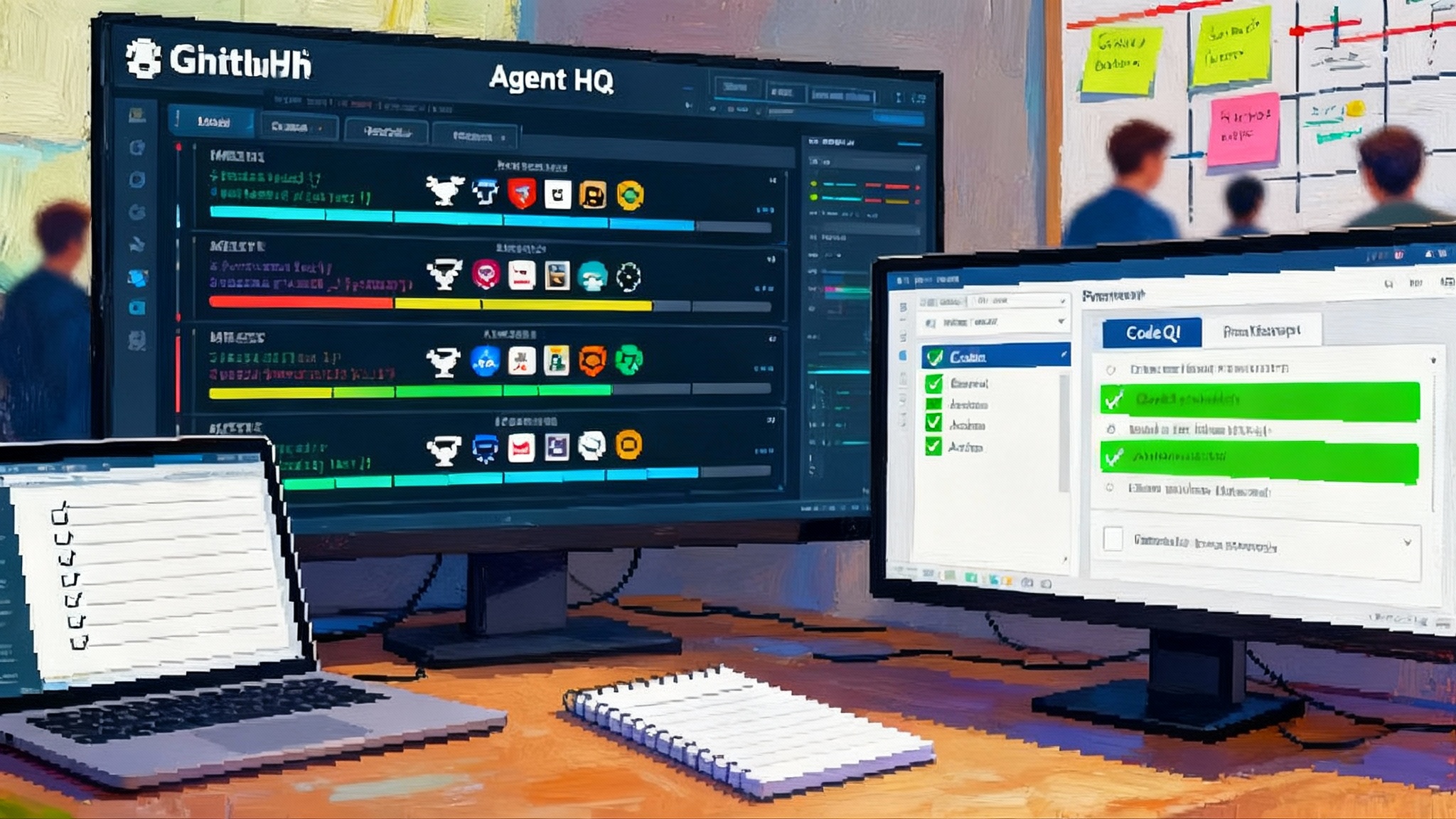
For a broader platform view, see how AgentKit moves agents from demo to deployable and how GitHub Agent HQ mission control organizes multi-vendor agents inside developer workflows.
Real world scenarios that now fit
1) Household calendar coordinator
The household asks, “Make November manageable.” The agent pulls school calendars, shared family events, work travel, and known due dates. It proposes a cadence: meal planning on Sundays, chores on Wednesdays, and a monthly budget review. It then places holds, negotiates conflicts, and posts a short weekly digest to the Home display. When travel changes, it rebalances automatically. The family interacts only when a decision is genuinely needed.
2) Returns logistics without friction
You show the agent the damaged item on the Home camera and forward the invoice. It extracts the order number, opens the merchant site via Mariner, fills the form, generates the label, and puts a carrier pickup on the calendar. It saves the PDF to a shared folder and sends a concise update. If the merchant requires additional proof, the agent requests one photo and re-submits. The chore shrinks to under two minutes of human time.
3) Apartment search that respects constraints
You define the budget, neighborhoods, commute time, and pet policies once. The agent monitors listings, requests viewing slots, and holds them on the calendar until you confirm. It summarizes pros and cons and tracks landlord requirements. If a favorite changes price, it adjusts the shortlist and pings you with a fresh summary.
4) Travel planning with guardrails
You set a spending cap and airline preferences. The agent proposes a flight and hotel bundle with clear backup options. It explains what it will buy and waits for an approval inside that cap. It then files receipts in a finance folder and updates an itinerary note. If a delay occurs, it rebooks within constraints and tells your calendar what changed.
The business model that makes sense near term
In the next two quarters, expect adoption to cluster around two monetization patterns.
-
Premium subscriptions for reliability and scope. Users will pay for agents that actually complete tasks with fewer handoffs. The winning plans will advertise guarantees like end-to-end returns, predictable appointment booking, or dependable household coordination.
-
Agent mediated purchases and referrals. If an agent completes a task that includes a transaction, it can route through affiliates or merchant partnerships. The winning teams will cap purchase permissions, provide plain language receipts, and avoid pushy recommendations.
A third, slower burn model is enterprise licensing where consumer flows intersect with work. For example, expense filing or scheduling that must meet company policy. This is where identity and policy become critical. For teams in that lane, the roadmap aligns with Agent ID as first-class identities so agents can be recognized, permissioned, and audited like people.
Safety, policy, and trust by design
Agents that act need limits that are visible and enforceable.
-
Clear scopes and spending caps. Every permission should show a bound: up to 3 messages per hour, up to 100 dollars per purchase, or access only to a named calendar and folder.
-
Just-in-time elevation. When the agent reaches a boundary, it asks with context. It shows the plan step that needs the new permission and explains the consequence.
-
Reversible actions. The agent should favor actions that can be undone, like holds rather than bookings, drafts rather than sends, and soft deletes rather than hard deletes.
-
Human checkpoints at risk points. Use explicit approvals at the steps where risk is asymmetric or irreversible, such as purchases, identity verification, or data sharing across accounts.
-
Transparent logs and receipts. Every plan, action, and artifact should be visible in a timeline. Users should be able to revoke tokens or delete history in one place.
-
Continuous red teaming. Model drift and website changes will break workflows. Budget time to probe for failures, retrain selectors, and update heuristics before users hit the edges.
Six to twelve month outlook
A realistic forecast helps teams plan.
-
Broader rollout from early access to stable channels. Expect more devices, languages, and regional support as the permission model hardens.
-
An agent marketplace inside consumer surfaces. Developers will publish repeatable skills that install with sane defaults. Distribution will hinge on reviews and measurable completion rates.
-
Standardized safety and policy controls. Expect common templates for purchase caps, contact limits, and data retention. These will help users carry their expectations across agents and devices.
-
Stronger enterprise bridges. As more work and personal agents share the same device, identity alignment will matter. The winning pattern will let a work policy restrict or approve how a personal agent interacts during business hours without becoming intrusive.
-
Less talk, more done. The best agents will deliver outcomes with minimal dialog. Chat will still be there, but it will be the exception rather than the heart of the experience.
Getting started checklist for teams
Use this quick plan to move from idea to working agent in weeks rather than months.
-
Choose one high friction task with a clear end state. Define done in a sentence users can understand.
-
Map the minimal permission set. If you need five scopes, you are probably doing too much. Start with two or three.
-
Implement Teach-and-Repeat first. Record the workflow, expose the success markers, and let users rename and share it.
-
Add Mariner-backed web steps carefully. Keep a strict retry budget, log every action, and insert a checkpoint before irreversible clicks.
-
Build a visible audit trail. Ship a timeline view and a receipts folder so trust grows with each completed job.
-
Price for reliability. Offer a free tier that demonstrates completion, then charge for volume or advanced scopes.
-
Instrument outcomes. Track completion rate, time to done, elevation requests, and reversals. Use those metrics to prioritize fixes.
-
Plan your integration roadmap. Replace web automation with APIs as they appear. Expand scope only when completion rates stay high.
If you are orchestrating multiple vendors and runtimes, study how GitHub Agent HQ mission control unifies agent operations. And if you are moving from prototype to production, revisit how AgentKit moves agents from demo to deployable with practical guardrails.
Bottom line
Gemini Agent Mode on Home and Android is a meaningful step toward everyday autonomy. It reduces friction at the start, keeps going in the background, and finishes with artifacts that prove the job is done. For developers and product leaders, the opportunity is to pick a narrow slice of life and make it reliable. The winners will not be the agents that talk the most. They will be the ones that quietly deliver outcomes users can trust.